Plan a shoot on paper before the day: the brief, shot list, location, people, gear, schedule and what to do after the shoot.
To prepare for a photo shoot or a video shoot, write a one-page brief, turn it into a shot list, choose between a studio and a real location, confirm the people, gear and permissions, and give the day a written schedule. With a shoot prepared this way, every decision that can be made on paper has been made before the crew arrives.
How to prepare for a photo shoot: start with a one-page brief
A brief keeps everyone aiming at the same result. It states what the content is for, who will watch or see it, the one message the viewer should keep, and where it will be published.
Add the brand rules such as colours, logo and tone, the shots that must exist, the things to avoid, and the name of the person who approves the final result. A single approver is an important line, because two approvers who disagree after the shoot can stall the whole project.
Turn the brief into a shot list or script
For a video, write a script or a simple outline, and draw a storyboard if the scenes need to be planned visually. For photography, write a shot list that names each subject with the angle, background and props you want.
Take an example, not a client: a furniture workshop that wants to show a new range of sofas. The list might hold one wide shot of a sofa in a room, one close shot of the stitching, one shot of the legs and a short clip of a hand turning a cushion. Each line takes seconds to write and saves the crew from guessing on the day.
Share the list with everyone involved before the shoot, and ask for changes in writing.
Choose a place for the shoot: studio or real location
A photo studio or video studio gives control over light, sound and space, and weather and street noise do not reach it. It also allows backdrops, such as a green screen whose background is replaced later. A real location, such as a shop, a workshop or a street, gives authenticity, but it needs permission, careful timing and a plan for changing light and background noise.
Decide by what the content must show. A product on a plain background suits a studio, and a story about a workplace needs the workplace itself.
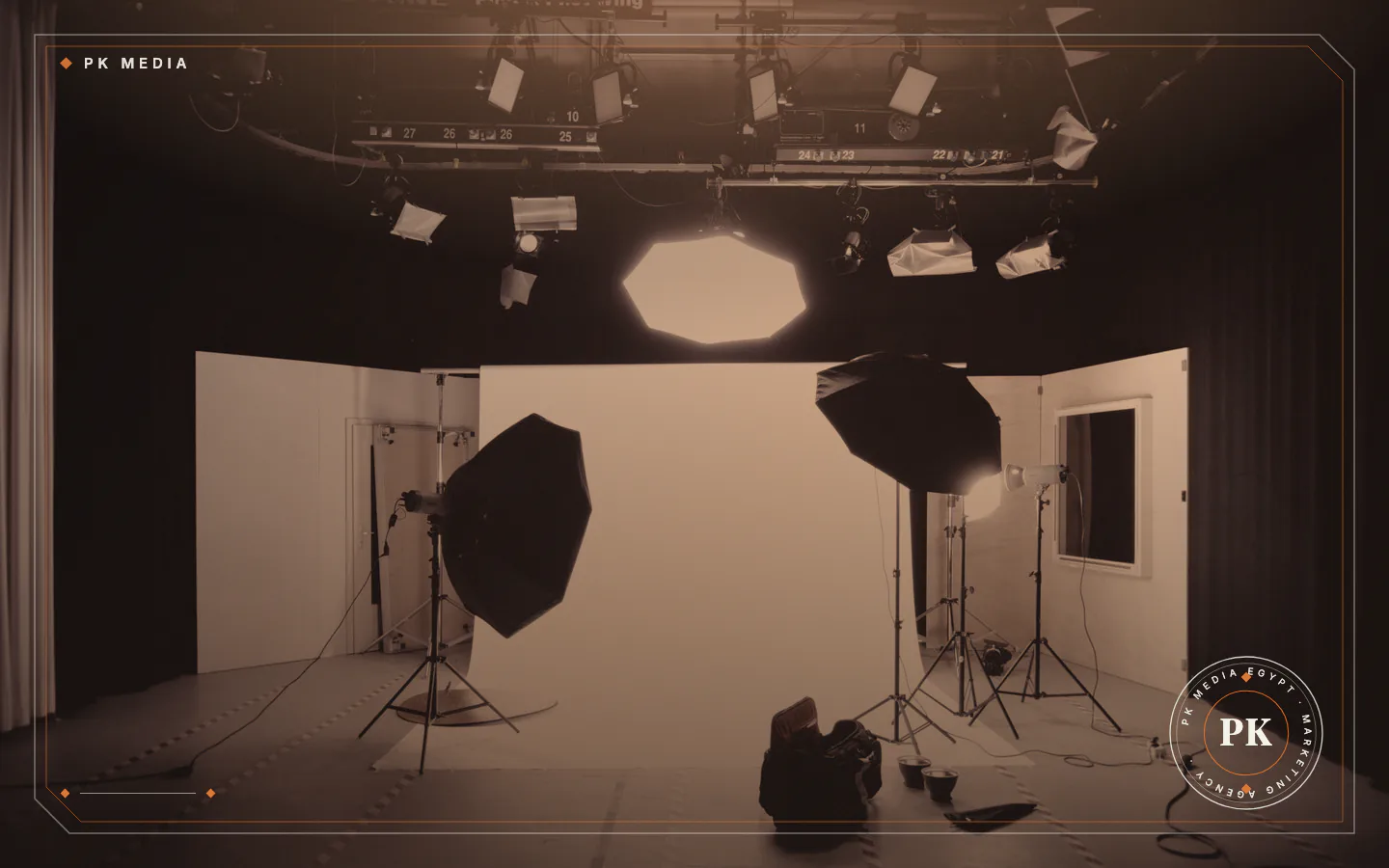
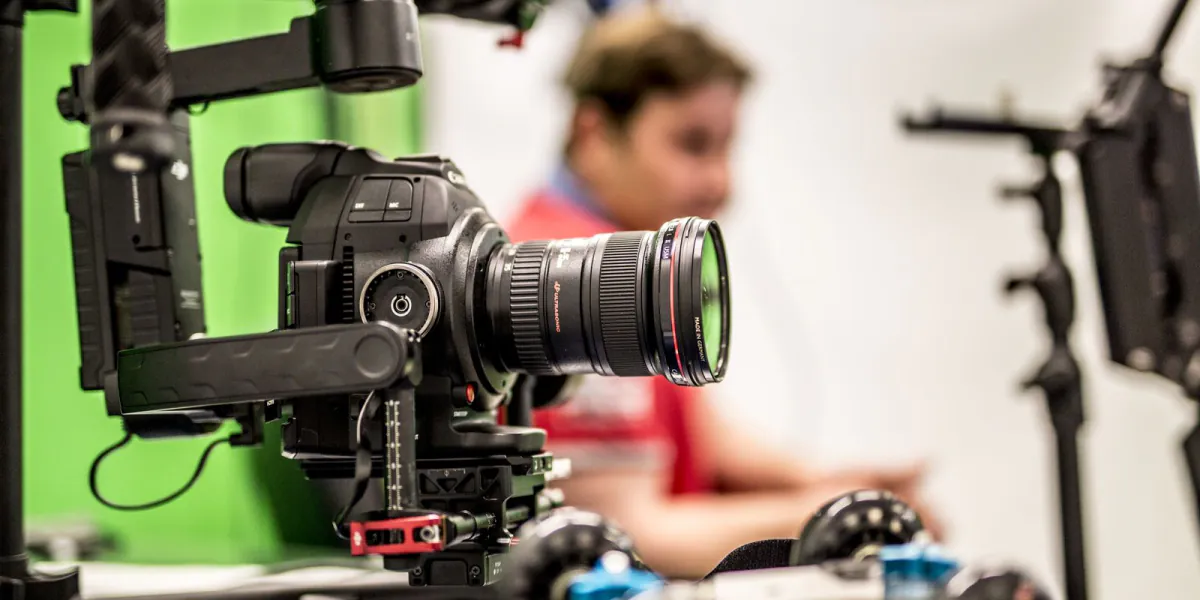
PK Media has its own studio in Dokki, Giza, with green screen backdrops, cameras and lighting. You can rent it, or ask PK Media to shoot there, and the details are on the PK Studio page. Whichever place you pick, visit it at the hour you plan to shoot, so you see where the light falls.
Confirm people, gear and permissions
Check these items a few days before the shoot:
- Camera and lenses that suit the style and the delivery format.
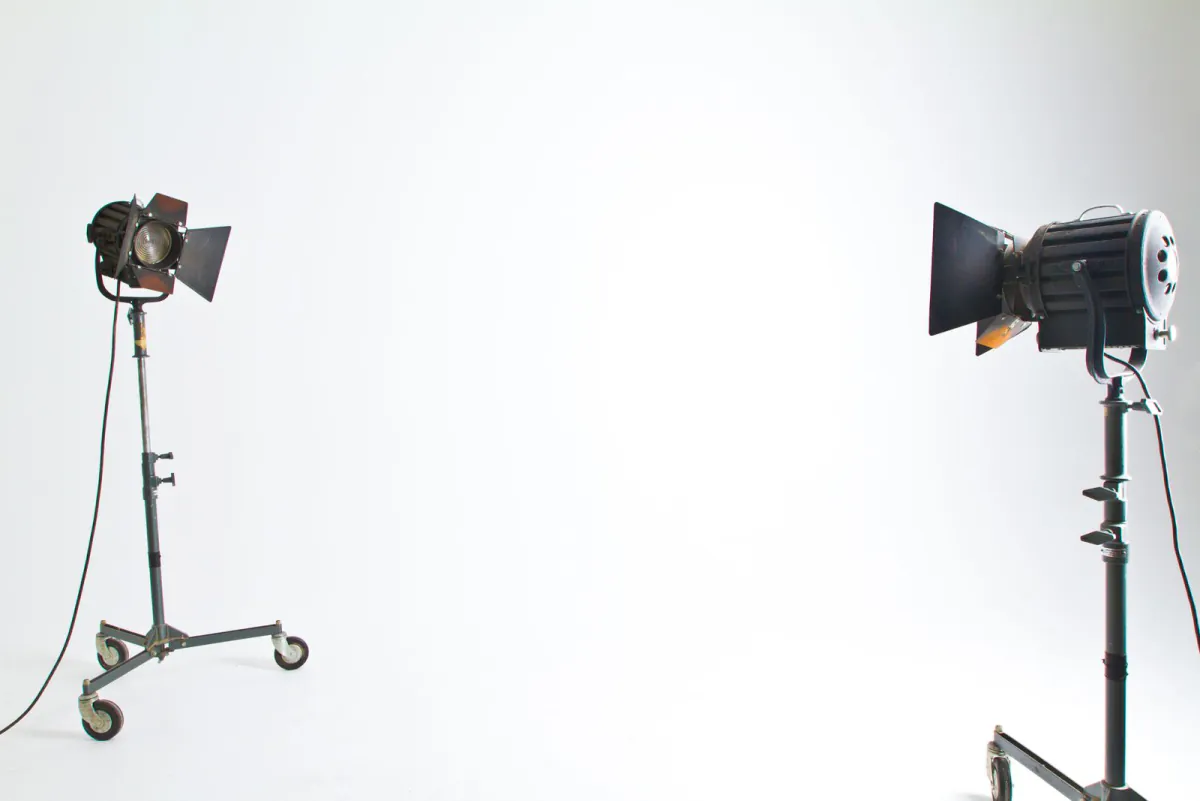
- Lighting that suits the space, with stands, reflectors and diffusers.
- Audio: a microphone close to the speaker, because poor sound can be hard to repair afterwards.
- Support gear such as tripods, sliders and stabilisers.
- Props, wardrobe and make-up prepared and checked.
- Presenters or talent who hold the script and know their call time.
- Permission to film from the venue owner or the relevant authority.
Rules for filming in public places and on private premises vary by venue and authority, so ask the owner or the authority before the day, not on it. Tell the people who will appear what the content is for, and agree in writing that they are happy to be filmed; a lawyer can advise on the exact wording.
If you are shooting products, our guide to photographing products for an online store is the place to start, and PK Media's product photography service has its own page.
Write a schedule for the shoot day
A simple schedule keeps the day moving. Fill in these steps with real times:
- Arrival and set-up of lights, audio and backdrop.
- A test shot and a sound check, to confirm framing, focus and audio before the talent arrives.
- Shot groups ordered by location or lighting set-up rather than story order, which saves re-lighting.
- Breaks for the crew and the talent, written into the plan.
- Wrap-up: review the footage or photos on a screen against the shot list before anyone leaves.
Bring spare batteries and memory cards. Name one person who has the last word on set, so decisions do not slow the team down.
Plan the work after the shoot before it starts
Decide who edits, whether the footage needs colour correction or motion graphics, and how many versions you need.
YouTube says the standard aspect ratio on a computer is 16:9 and that it may add padding to 9:16 vertical videos in computer browsers; its upload guidance says to upload in the frame rate the video was recorded in.
So shoot with the final platform in mind, and if you need both vertical and widescreen versions, plan the framing of each before the camera rolls. How a video is cut for each feed is covered in social media video production.
Copy the footage the same day to two separate drives before any card is cleared. This is practical advice, not a rule from an official source.
Among Google's requirements for indexing a video are that the watch page is indexed, that the video is embedded on it and that it has a valid thumbnail at a stable URL. Google also advises a dedicated watch page for each video where that makes sense for the business, with its own title and description; its video guidance has the details.
For photos, Google advises short, descriptive file names and high-quality images, so ask the editor for clear file names and a thumbnail for each video.
Common mistakes that cost a shoot its value
These mistakes are easy to make during preparation:
- Starting with gear before the message is written.
- No single approver for the final result.
- An unchecked location: noise, changing light and the position of power sockets.
- A shot list longer than the day allows, with no shots marked as essential.
- No same-day backup of the footage.
- A forgotten delivery shape: a horizontal shot cropped later to vertical may lose part of the subject.
Not every shoot needs a full crew. A short, simple clip may need only a phone and a clear shot list, and a studio or a team would then be more than the job requires.
Frequently asked questions
Do I need a script for every video?
Not every video needs a full script, but you need at least a clear outline or shot list so the crew knows what to capture.
Do I need permission to film in a public place?
It depends on the place and the authority responsible for it, so ask the owner or the relevant authority before you plan the day.
How early should I start preparing?
Start as soon as the brief is approved, because venue permissions and the availability of presenters can take time to arrange.
What should I bring to a studio shoot?
Bring the brief, the shot list, props, wardrobe and any brand files such as the logo, plus a way to reach the final approver during the day.
Book the day once the plan is on paper
With a brief, a shot list and a schedule in hand, any team can plan from facts instead of guesses. PK Media's media production service covers advertising and corporate videos, photography and motion graphics, from concept to final delivery.
To talk through a shoot, contact PK Media.
Sources
- Google Search Central, read 19 November 2026
- YouTube Help: Video resolution & aspect ratios, read 19 November 2026
- YouTube Help: YouTube recommended upload encoding settings, read 19 November 2026
- Google Search Central: Image SEO best practices, read 19 November 2026
- Video Production
- Photography
- Studio