How social media video production works for a small business: one job per video, the steps from brief to files, platform formats, captions and the mistakes that cause reshoots.
Social media video production is the work of planning, filming and editing short videos for platforms such as Instagram, TikTok, Facebook, YouTube and LinkedIn, so that each platform gets the format it needs. A small business gets the most from it by deciding what each video must achieve before any camera is booked.
What social media video production covers
The work starts before the camera and ends after the edit. It covers the brief, the script or shot list, the shoot, the edit with sound, graphics and on-screen text, and the final files for each platform.
PK Media Egypt offers this as part of its media production service, which its page describes as scripting, filming, editing, post-production and event coverage. Whoever you hire, including us, judge the quote by whether the job, the formats, the sound and the captions are covered.
Give every video one job
A video that tries to sell, teach and entertain at once is hard to make well. Pick one job per video and write it in a single sentence before the shoot. Common jobs for a small business are:
- Introduce. Show a product, a service or the people behind it in a short clip.
- Answer. Reply to a question customers ask often, face to camera or with text on screen.
- Show the work. Film how something is made or done, so viewers can judge the quality for themselves.
- Cover an event. Record a launch or a gathering so it can be cut into several short clips.
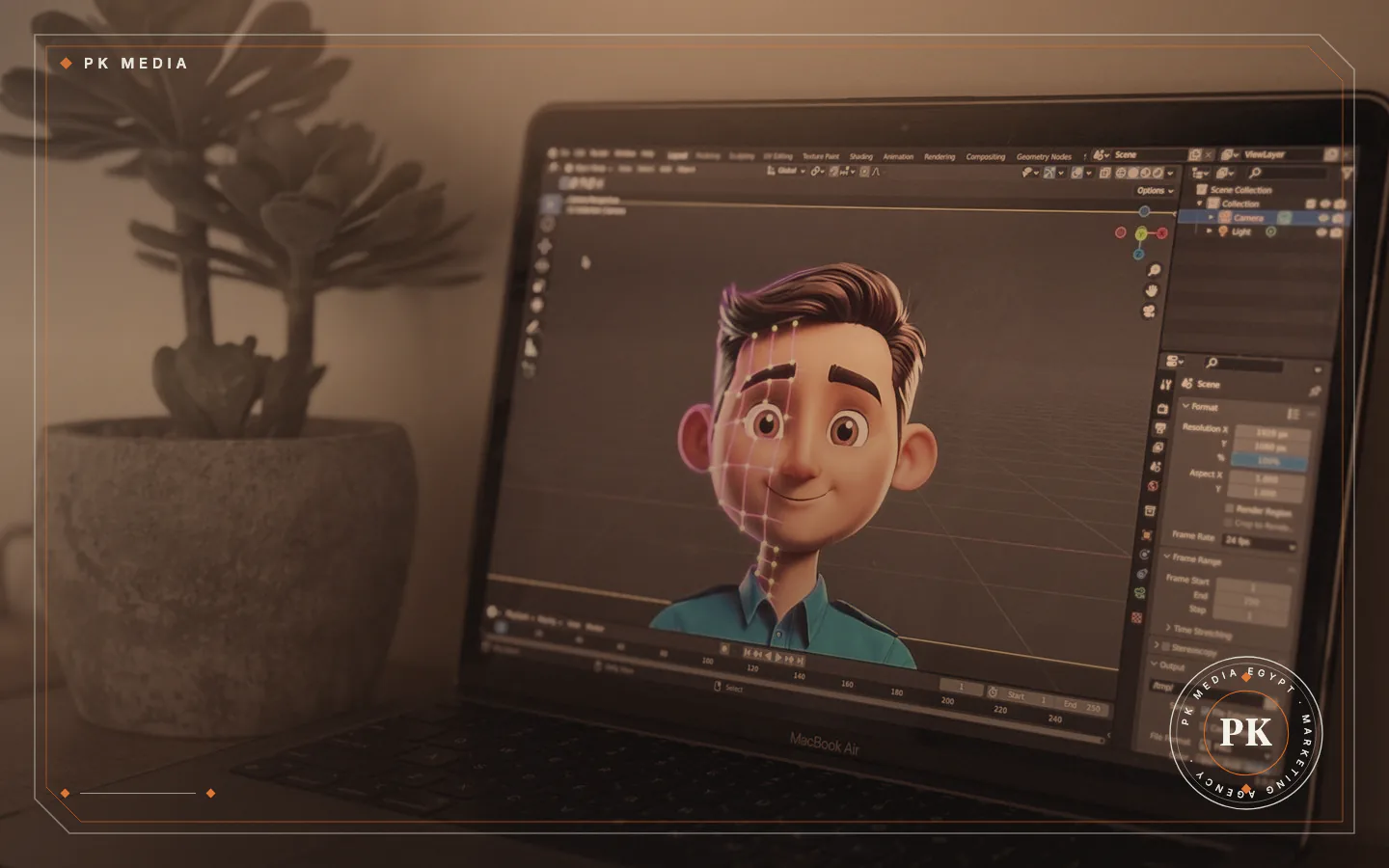
- Explain. Use motion graphics when the idea is easier to draw than to film.
The job decides the length, the opening shot and the call to action. A video for people who do not know the brand yet opens differently from one for people who already follow it.
The production steps, in order
These steps apply whether you hire a team or film in-house. Work through them in order:
- Brief. Write the goal, the audience, the one message, the platform and any brand rules such as colours, logo and tone of voice.
- Script and shot list. Turn the brief into a script, a storyboard or a plain list of shots, with the vertical and the horizontal versions in mind.
- Preparation. Confirm the place, the people, the props, the permissions and a backup plan. The guide on how to prepare for a video or photo shoot has a full checklist.
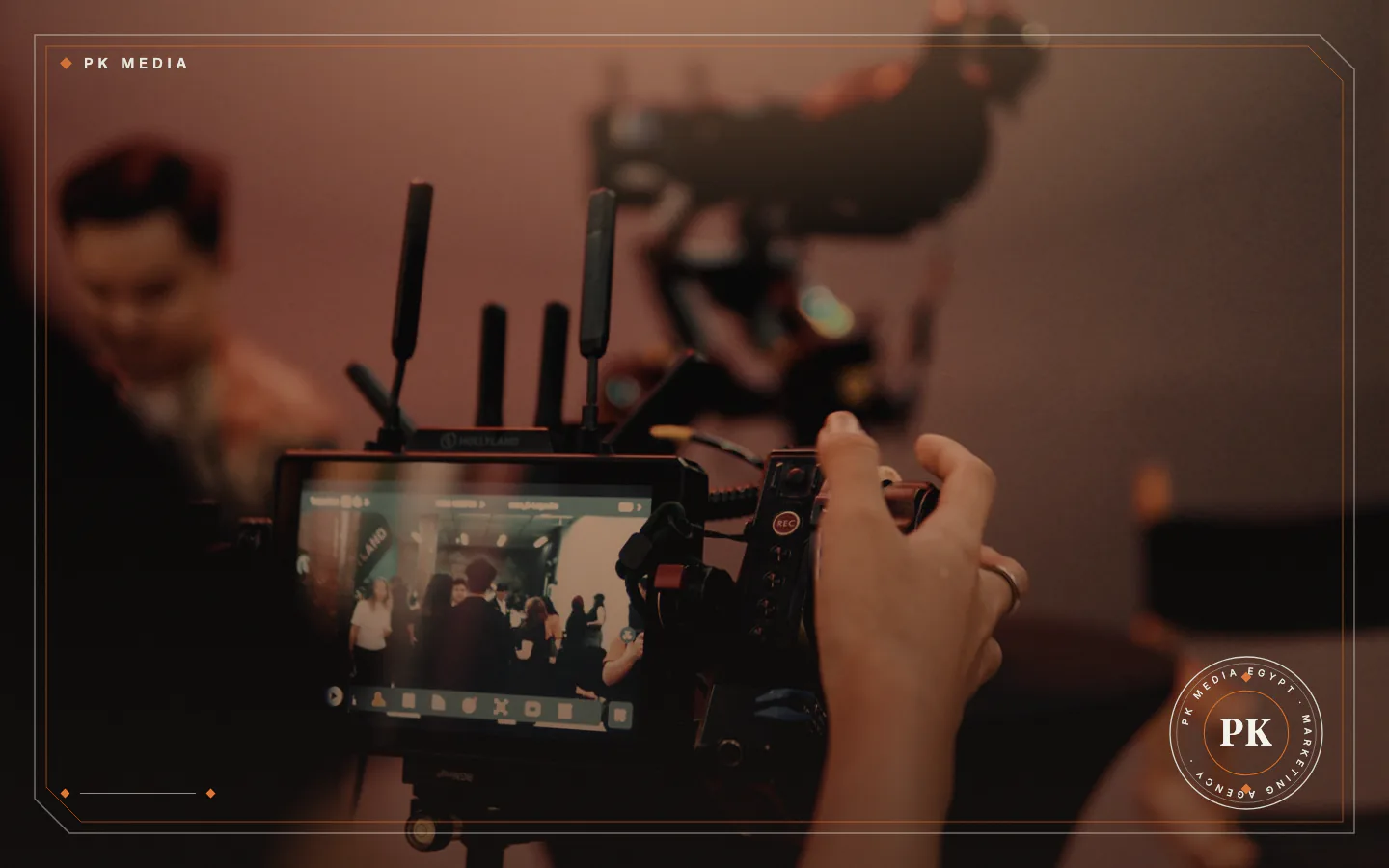
- Shoot. Film every planned shot, then extra cutaways, and play the sound back before packing up.
- Edit. Cut, correct the colour, clean the sound, add graphics and text, then review the result with the client.
- Delivery. Export one file for each platform format and keep the project files.
Mistakes that lead to a second shoot
Some reshoots trace back to a short list of causes that a checklist can catch:
- No single message. The edit then has nothing to cut towards.
- Poor sound. A good picture with echo or wind noise is hard to rescue.
- One format only. A horizontal-only shoot leaves little that works for vertical platforms without heavy cropping.
- Branding added late. A logo or colour rule found at the edit may force new graphics.
- No approval path. Name who signs off the script and who signs off the cut.
A video is also the wrong first step when the offer is not clear yet or the product is not ready to be shown. Fix that first, then film.
Studio or location
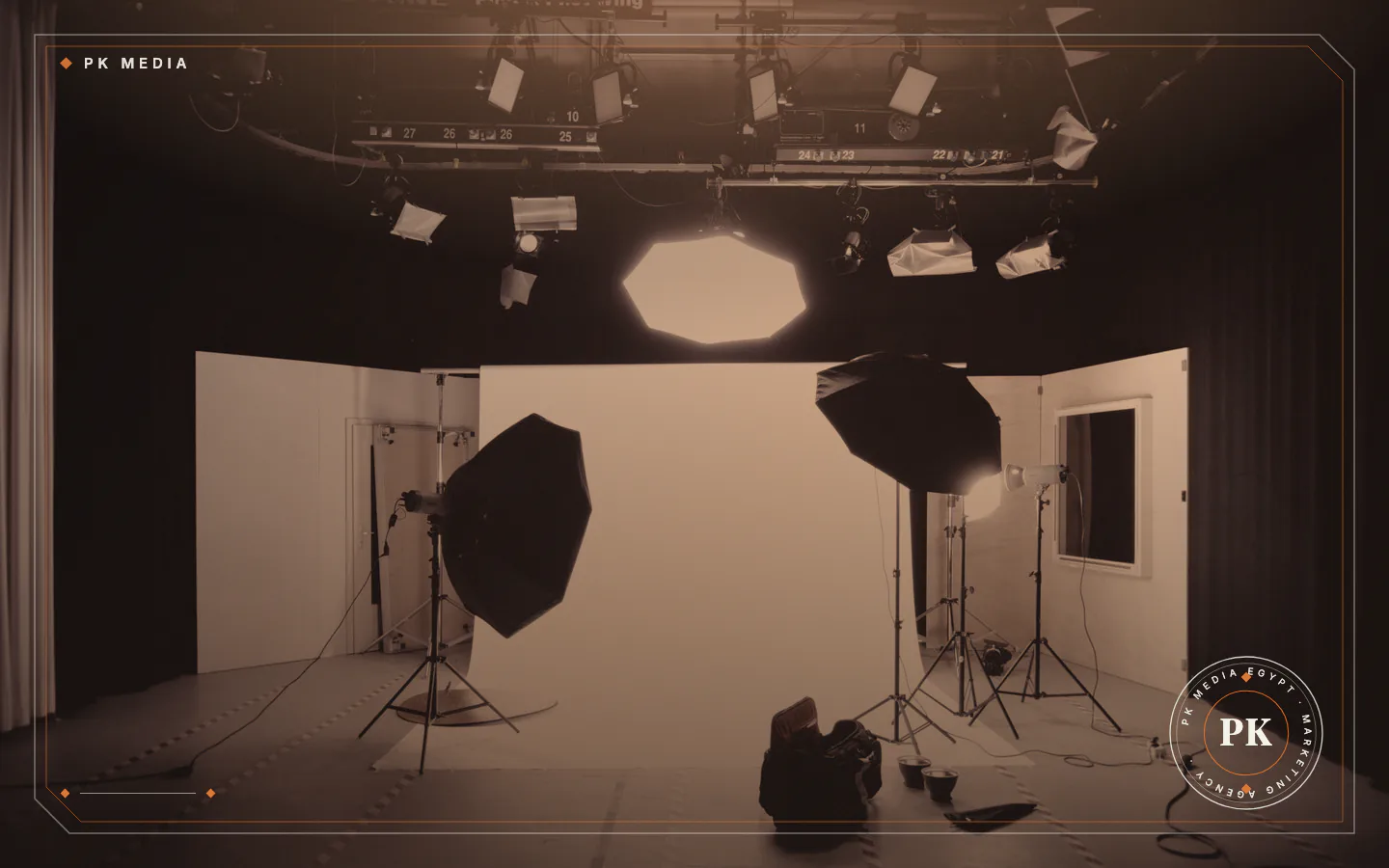
A studio gives control over light, sound and space, and a green screen backdrop lets the background be replaced in the edit. A location gives authenticity, such as a shop, a workshop or an event, but it needs permission, a time slot and a plan for changing light and background noise.
PK Media rents PK Studio in Dokki, Giza, with green screen backdrops, cameras and lighting, and also shoots and produces there for clients. The PK Studio page lists what is available. Choose the studio when the setting is not part of the story, and a location when it is.
Vertical, horizontal and captions
Each platform publishes its own format guidance. Instagram's creator guidance asks for high-resolution vertical 9:16 video without borders and says a Reel has to be 3 minutes or shorter to be recommended. TikTok's ad specification recommends vertical 9:16 at 720 x 1280 pixels or more, and lists horizontal and square formats for ads too. Platform rules change, so check each platform's help page before you export.
A horizontal version can suit a website, so plan both shapes before the shoot. A finished video also needs a plan for where and when it is posted, which the social media service of PK Media describes as planning, content and publishing.
Add captions to every video. The W3C explains that captions for prerecorded media exist so that people who are deaf or hard of hearing can follow it. YouTube says its automatic captions are generated by machine learning and tells creators to review them and edit what was transcribed wrongly. Read every line before publishing, including names and brand terms, because a machine can mishear them.
Putting the video on your website
Google sets conditions before a video on your site can be considered for indexing: the watch page must be indexed and performing well in Search, the video must be embedded on that page and not hidden behind other elements, and it needs a valid thumbnail at a stable URL.
Google defines a watch page as a page whose main purpose is to show a single video. A video placed beside a long article or a service description is complementary content, and that page is not a watch page in Google's terms.
A worked example: a furniture workshop
The example is generic and not a client. A furniture workshop wants more enquiries from Instagram and TikTok.
The brief gives one job: show the work. The shot list runs from raw timber to cutting, joining and the finished piece in a room. One shoot at the workshop in daylight also records the owner answering a common question into a clip-on microphone. The edit then gives three versions: a short vertical clip with captions, a longer vertical clip of the full process, and a horizontal cut for the website.
If the workshop also sells online, the product stills follow the guide on photographing products for an online store, so pictures and videos look like one brand.
Frequently asked questions
Should I film on a phone or hire a crew?
Either can work. In our view a phone is enough for simple, informal clips when sound and light are under control, and a crew helps with scripted, branded or multi-location work.
How long should a social media video be?
It depends on the platform and the job. Instagram says a Reel has to be 3 minutes or shorter to be recommended, but that is a ceiling, not a target. Let the length follow the message.
Who owns the raw footage and the project files?
That depends on the agreement with the provider. Ask before you pay and get the answer in writing, together with the permissions for any people who appear in the video.
Can one shoot produce several videos?
Yes, it can. The shot list decides it: wide, medium and close shots give the editor material for different lengths and shapes.
Brief first, then book
Write the one-sentence job for your first video and the platform it is for. Then contact PK Media with that brief to talk about a shoot.
Sources
- Google Search Central, read 19 November 2026
- YouTube Help, read 19 November 2026
- W3C Web Accessibility Initiative, read 19 November 2026
- Instagram for Creators, read 19 November 2026
- TikTok Ads Help Center, read 19 November 2026