Motion graphics animates text, shapes and logos to explain an idea in a short video. See how it differs from filmed video, how a project runs and when it fits.
Motion graphics is the animation of text, shapes, icons, logos and charts to explain an idea or present a brand in a short video, without filming people or places. A business needs it when the message is hard to film, such as a process, a service or a set of figures, or when it wants a moving version of its brand identity.
What a motion graphics video is made of
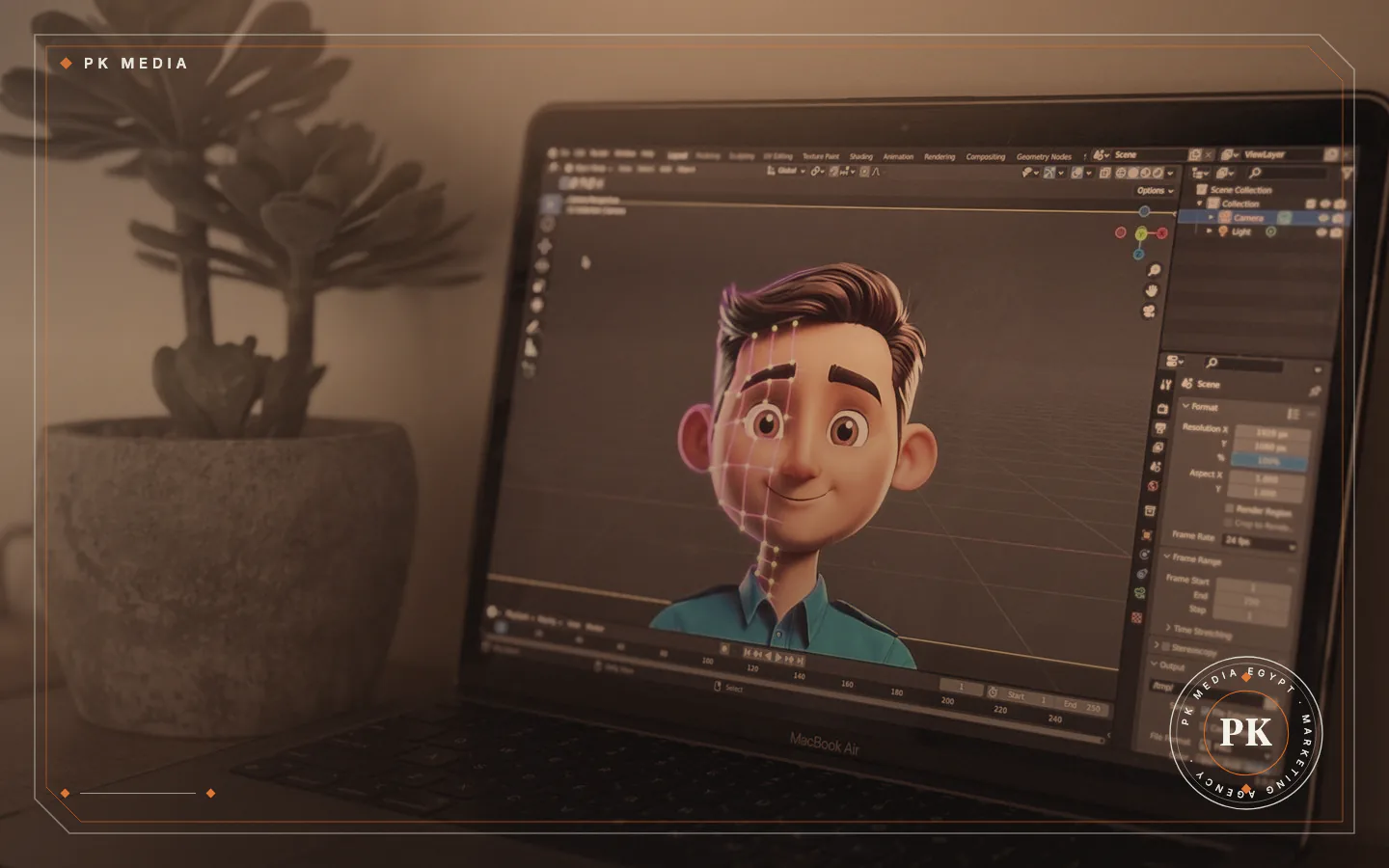
Adobe describes motion graphics as "the combination of text and design elements set to motion". The elements are the ones a designer already uses on a page: lettering, colour, shapes, illustrations, logos and charts. The animator adds timing, so each element appears, moves and leaves at the moment the viewer needs it.
Sound is the other half: a voice, music or both, plus on-screen text for viewers who watch without audio. Adobe also notes that the format generally means shorter pieces that entertain or give information, not a full-length animated film.
How it differs from animation and filmed video
The three formats overlap, and a single video often mixes them. The difference is mostly in what carries the story:
- Motion graphics: designed elements (text, icons, charts, logos) that move to explain or introduce something.
- Animation: moving characters and stories, drawn by hand or on screen, or built as 3D models. Our 3D, CGI and animation service covers this side.
- Filmed video: a camera records real people, products and places.
A typical mix is filmed footage with animated titles, labels and charts laid over it. The viewer sees one video; the team works in two skills.
Where a business uses it
Adobe lists advertising, social media posts, website design, film and TV titles, news graphics and digital screens in shops among the typical uses. Uses for a small business in Egypt include:
- Explainer videos: a short answer to "what do you do and how does it work?", placed on the home page or a service page.
- Social posts and ads: animated text and icons that carry the message even when the viewer does not turn the sound on.
- Animated logo: a few seconds of movement at the start or end of every video.
- Data and process videos: figures, steps or comparisons shown one at a time.
- Training and onboarding: staff or customer instructions that do not need a person on camera.
Social formats have their own planning rules, which our guide to producing videos for social media covers in detail.
How a project runs, step by step
Studios have their own routines, but many motion graphics projects follow a similar order. Fixing each step before the next begins helps avoid changing finished animation:
- Goal and audience: one sentence on what the viewer should know or do afterwards.
- Script: the words, kept short, in the language the audience uses.
- Storyboard: a frame-by-frame sketch of what appears on screen with each line.
- Style: colours, fonts and illustration style taken from the brand identity.
- Design: the final artwork for each scene.
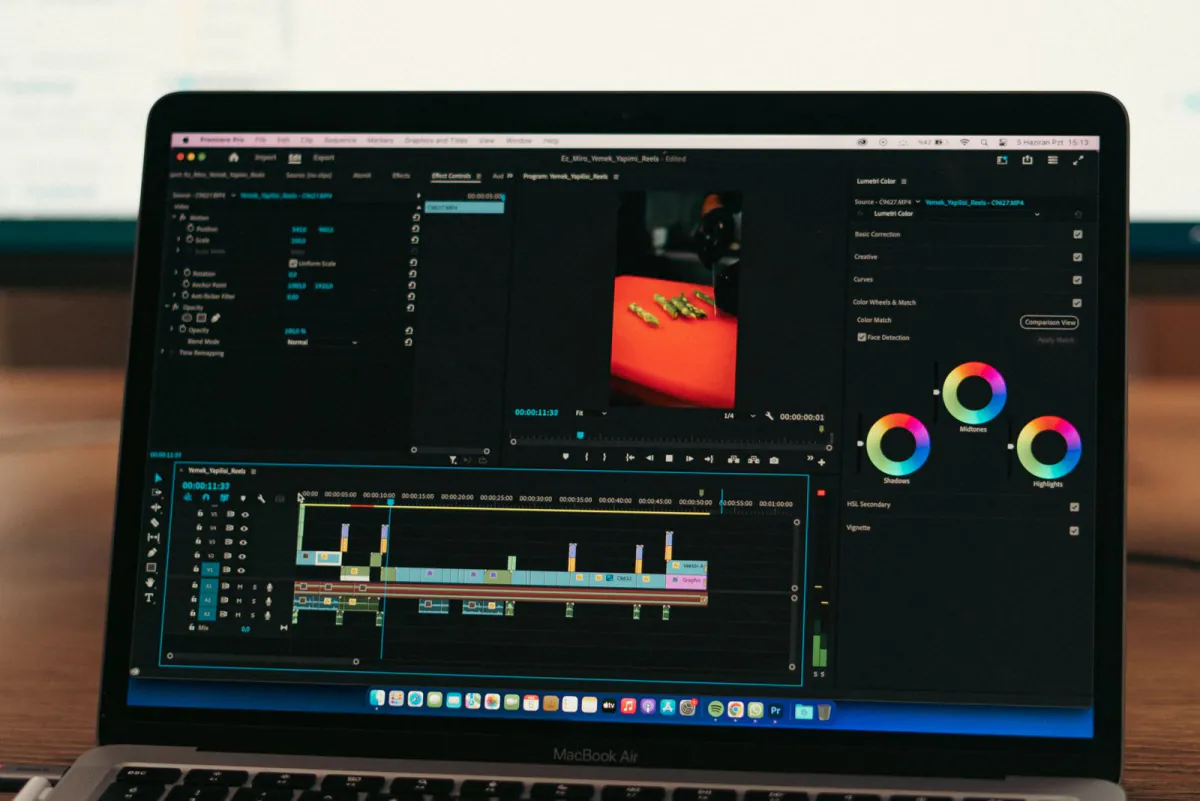
- Animation: movement and timing added to the artwork, then reviewed.
- Sound and delivery: voice, music, captions, and exports sized for each place the video will appear.
Changing a script line is easier before animation starts than after it, so reviews belong at the script and storyboard steps.
A worked example: an accounting practice
This is a made-up scenario, not a client. An accounting practice wants prospective customers to understand what a monthly bookkeeping service involves. The service has no product to hold and no place worth filming, so the team shows it as five animated steps: documents sent, entries made, a monthly report, questions answered, and a yearly review.
Each step gets one icon, one short line of text and a few seconds on screen. The practice's logo and colours frame the video, and the same file is cut into a longer version for the website and a shorter one for social media. Nothing in it needs a camera, so a change to a step later can mean editing one scene.
When it is the right choice, and when it is not
Motion graphics usually fits when:
- the subject is abstract, technical or invisible, such as software, a process or a financial service;
- figures or steps need to appear one at a time;
- the video must follow the brand identity closely;
- you expect to update the content later without reshooting.
It is not the right choice when viewers need to meet real people, see a real place or judge a product's size and texture. In those cases filmed video does the job, and our video and photo production service covers it. Our guide on preparing for a video or photo shoot helps with that route, and a mix of both is often a good answer. PK Media produces both kinds, so the same brief can go either way.
Accessibility and findability before you publish
Captions are the first item. The W3C accessibility guidelines ask for captions on prerecorded video with sound, and captions cover spoken words plus "non-speech information conveyed through sound, including meaningful sound effects". Animated text on screen does not replace them.
Movement needs two checks. The guidelines say moving content that starts automatically, lasts more than five seconds and sits beside other content needs a way to pause, stop or hide it, and that nothing should flash more than three times in any one second.
For search, Google says a video is considered for indexing when it is embedded on an indexed page, is not hidden behind other elements, has a valid thumbnail at a stable address and uses a supported file type. Its video documentation suggests a dedicated page per video where that suits the business.
Common mistakes that weaken a motion graphics video
These planning mistakes can weaken a motion graphics video:
- Putting several messages in one video, so the viewer remembers none.
- Text that leaves the screen before it can be read.
- Skipping the storyboard and discovering script problems after animation.
- Ending with no next step: a web address, a phone number or a button.
- Exporting one size and using it everywhere, so it is cropped on some platforms.
Compare the colours with the brand's other material. Ask for the colours to be taken from the identity files, and check the finished video on a phone as well as a computer screen.
Frequently asked questions
Is motion graphics the same as an explainer video?
No. An explainer video is a purpose, a short video that explains something. Motion graphics is one way to make it; a filmed or hand-drawn video can explain too.
Does it need a voice-over?
No. Music with on-screen text works, and so does a voice with captions. Decide early, because the script and timing change with the choice.
Can the video be updated later?
Often yes. The scenes are built from separate elements, so a name, a figure or a step can usually be edited without remaking the video. Ask for the editable project files when you brief.
How long should the video be?
As long as the one message needs. Platforms and placements differ, so check the current limits on the platform's own help page before you fix the length.
Where to start with your own idea
Write the goal, the audience and the one sentence you want remembered, then gather the logo, colour and font files. With those, contact PK Media and the team will help you choose between motion graphics, filmed video or a mix.
Sources
- Adobe, read 19 November 2026
- W3C Web Accessibility Initiative, read 19 November 2026
- W3C Web Accessibility Initiative, read 19 November 2026
- W3C Web Accessibility Initiative, read 19 November 2026
- Google Search Central, read 19 November 2026
- Motion Graphics
- Video Production