CGI advertising uses computer-generated 3D imagery to show products, spaces and ideas that are hard to film. It differs from motion graphics, and the choice between CGI and filming depends on your product.
CGI advertising is advertising made with computer-generated 3D imagery, instead of camera footage or alongside it, so a brand can show products, spaces or ideas that are hard, costly or impossible to film. A studio builds the scene on a computer through modelling, lighting, animation and rendering rather than on a shoot.
What is CGI advertising and how does an ad use it?
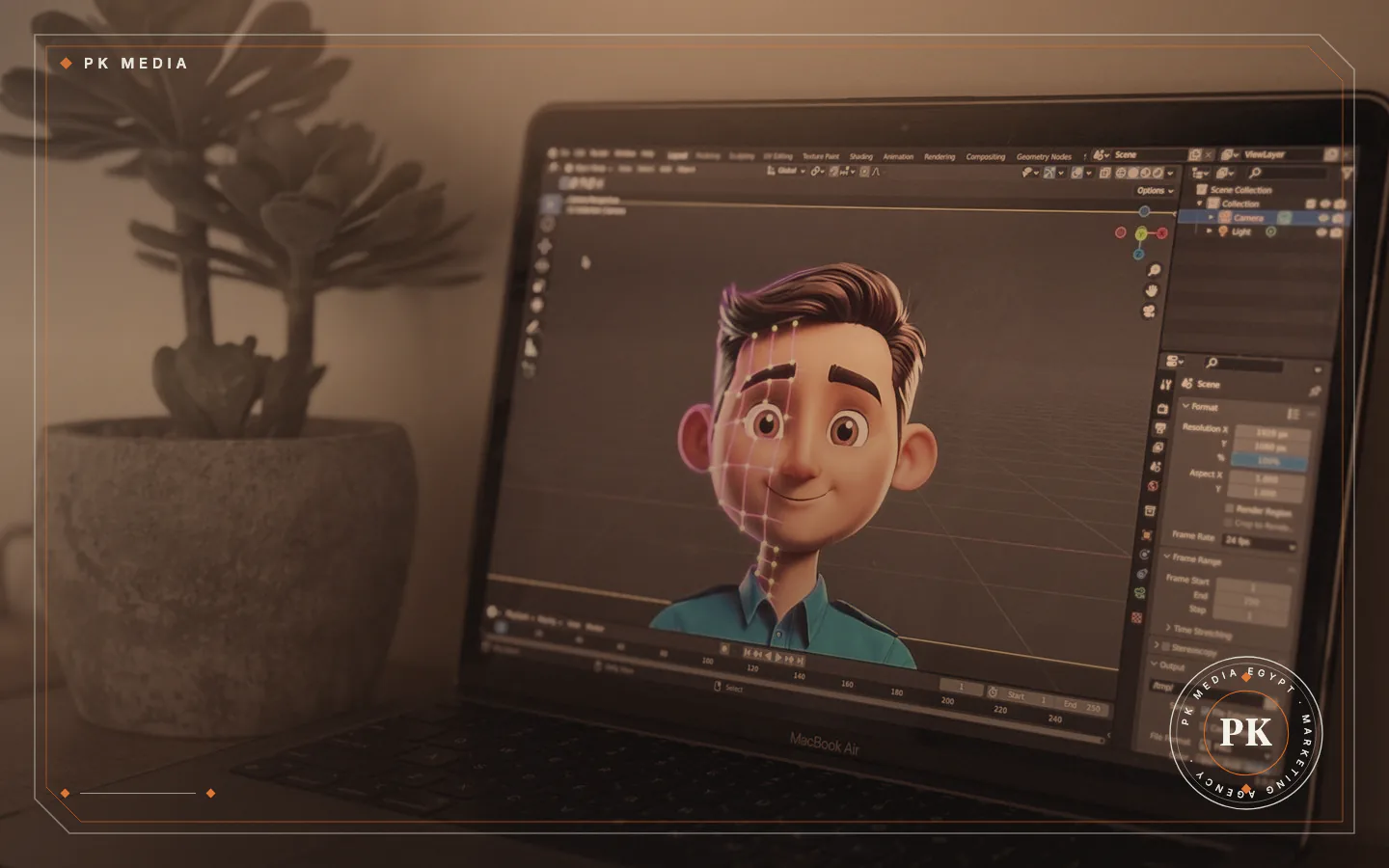
CGI is short for computer-generated imagery. For an ad, artists build a 3D model of a product, space or character, light it like a virtual set, move a virtual camera around it and render the result as a video or a still image. No lens points at a real object. The software calculates each frame; Blender's manual, for example, describes rendering as tracing rays from the camera into the scene until they reach a light source.
An ad can be fully CGI, or CGI can be added to filmed footage, such as a real presenter with a 3D product beside them. One benefit is control: the studio sets the location, the light, the angle and the movement, and can repeat or change them later. Our 3D, CGI and animation service covers this kind of work.
The same term is used for film effects. In advertising it means the commercial side: product films, packaging reveals, architectural views and animated brand stories.
CGI, 3D animation and motion graphics: what is the difference?
The three terms overlap, which can confuse buyers. A simple way to tell them apart:
- CGI: the broad term for any computer-generated image, still or moving. A 3D product image for a catalogue is CGI.
- 3D animation: CGI that moves. Models get motion, camera moves and timing to make a product film or a story.
- Motion graphics: animated text, icons, shapes and charts, usually flat rather than 3D scenes. It explains and informs, and what motion graphics is has the full definition.
Real ads can mix them: a 3D product turning slowly with animated text beside it uses all three. Choose by the job. To show how a product looks and behaves, CGI is one route. To explain an idea or a set of figures, a motion graphics video is often enough.
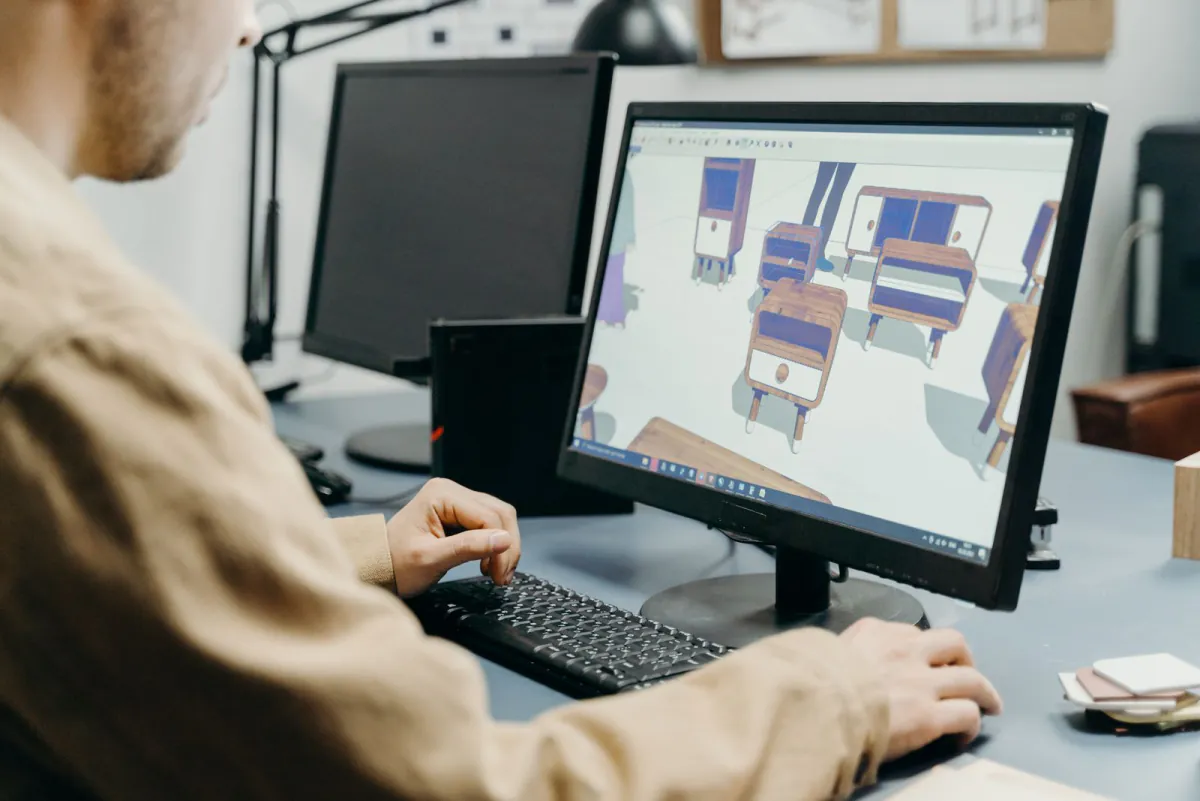
Where is CGI advertising used?
CGI earns its place where a camera struggles, or where one model has to serve many uses:
- Product films: a product shown from many angles in controlled light, for social media, websites and campaigns.
- Products that do not exist yet: a design shown before manufacture, to test interest or brief partners.
- Packaging reveals: a pack opening, rotating or appearing in several variants without printing each one first.
- Cutaway and inside views: how a machine, ingredient or mechanism works, which a camera cannot film from outside.
- Architecture and interiors: a building or room shown before it is built or fitted out.
- Explainers and brand stories: characters and worlds that would be costly to build for real.
- Catalogue images: many colours, sizes or configurations rendered from one 3D model.
A business that sells a product in many variants, or one that is not built yet, has a reason to consider CGI. If your product is simple and already in your hands, you may not need it.
CGI or filming the real product: how to decide
Neither is better in general. Decide by what the viewer needs to believe and what you have today.
CGI often fits when:
- The product is a prototype or does not exist yet.
- The setting is unsafe, impossible or costly to build, such as the inside of a machine or an imagined world.
- You need many variants (colours, sizes, finishes) from one model.
- You need the same light and camera angle repeated across many images.
- The product is hard to film because it is very reflective, transparent, tiny or huge.
Filming often fits when:
- Texture, size and real use matter, and buyers need to see the actual item.
- People, faces or demonstrations carry the message.
- You already hold the product and a simple, clean shot is enough.
- You need a result quickly with little design work.
- Trust depends on proof that the item is real, as with food, clothes on a person or a visible result.
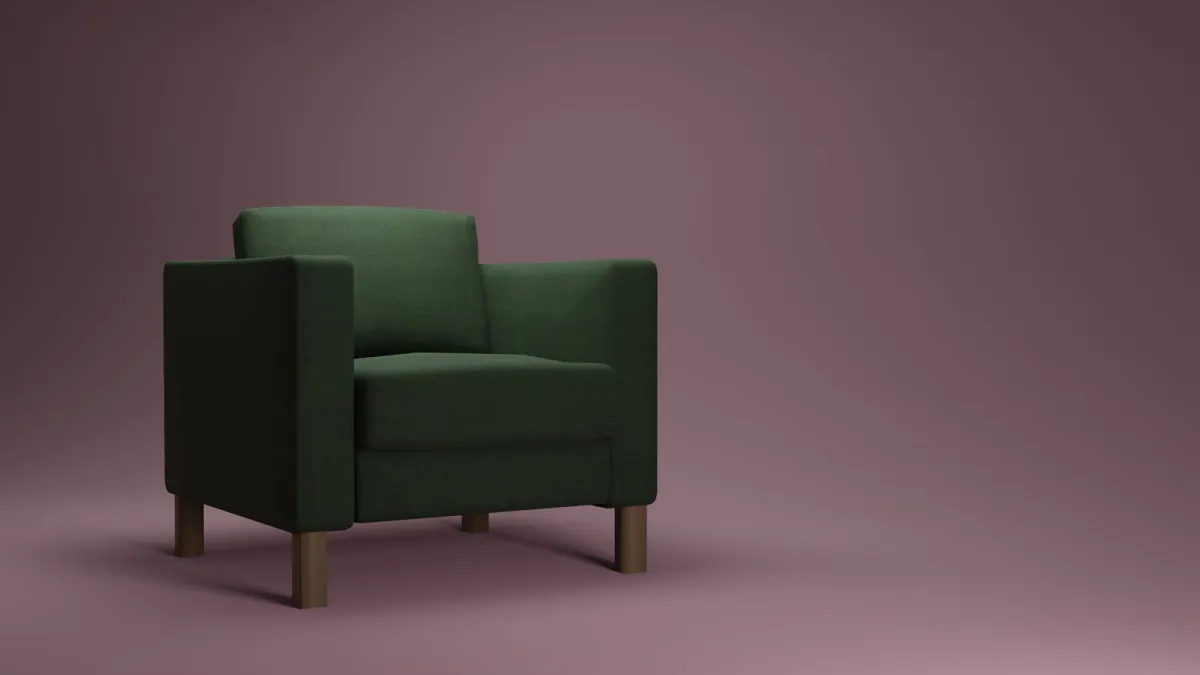
Take a furniture maker launching a sofa in several fabrics. Filming means producing every version first. CGI can render one model in each fabric before any sofa is built, while a short filmed scene with real people can still add warmth. The two can also be combined, with 3D elements added to filmed footage.
CGI is not automatically cheaper. A simple product shot filmed in a studio can cost less than a detailed animated 3D film. Compare both on your own brief. For the filmed route, the company promotional video guide covers types and process, and product photography suits stills of items you already hold. For a shop, how to take product photos for your online store goes through the basics.
How is a CGI ad made, step by step?
The order matters because each stage builds on the one before:
- Brief and idea: the goal, the audience, where the ad will run, its length and the formats needed.
- Script and storyboard: the ad drawn scene by scene and agreed before any 3D work starts.
- Modelling: the 3D objects are built from your files, drawings or photos.
- Materials and textures: metal, glass, fabric, labels and artwork are applied so surfaces look right.
- Lighting and camera: virtual lights and camera moves are set to give the look you chose.
- Animation: movement and timing are added to the objects and the camera.
- Rendering: the computer calculates the final frames, and higher quality settings can take longer.
- Compositing, sound and finishing: colour, effects, music, text and your logo are added, then versions are made for each platform.
- Review and delivery: feedback is gathered at agreed points and the final files are exported.
Rendering time depends on settings. For its Cycles renderer, Blender's manual notes that a higher sample count gives a cleaner image at the cost of a longer render time. A late change can mean redoing work, so agree the storyboard in writing and check it carefully before 3D work starts.
What should you prepare before briefing a studio?
A clear brief saves rounds of questions. Bring what you have, even if it is incomplete:
- Goal and audience: what the ad should make people do, and who they are.
- Product files: CAD or 3D files and technical drawings if they exist; if not, photos from several sides and the real dimensions.
- Brand rules: logo files, colours, fonts and any identity guidelines.
- References: two or three ads or images you like, and one you dislike, with a line on why.
- Samples: a real product or pack, if the studio must match materials and colours closely.
- Placements and formats: vertical, square or horizontal, with or without sound, and where each will appear. Check each platform's help page for its current sizes.
- One main message: with only claims you can support.
- Approvers and dates: who signs off, and any launch date the work depends on.
What affects the time and cost of a CGI ad?
A fair figure is impossible without a brief, but these choices decide how much work there is:
- Detail and realism: a close-up of a product with complex materials takes more modelling and rendering than a simple, stylised look.
- Number of objects and scenes: every extra item or location has to be built and lit.
- Length and versions: more seconds, formats and language versions mean more finishing work.
- Type of animation: a slow turn of a product is simpler than characters, liquids, cloth or smoke.
- Quality of source files: clean CAD files speed things up; rebuilding a product from photos takes longer.
- Sound: music, sound effects and voice-over are separate pieces of work.
- Revisions: late changes after rendering can add a lot of work.
- Live action: mixing in filmed footage adds a shoot to the schedule.
Ask for a quote broken down by these points. It shows where you can trade detail for budget, for example one polished hero shot and simpler variations.
What should you ask a studio before you commit?
PK Media produces CGI too, so put these questions to us as you would to any other studio:
- Can you show work like mine? Look for samples close to your product type and quality level.
- Who does the work? Ask whether the modelling and animation are done by the studio's own team or passed to others.
- What is in the quote? Stages, music, versions, revision rounds and delivery files should all be named.
- How are changes handled? Agree what counts as a revision and what counts as a new request.
- What do I receive and own? Clarify whether you get the 3D models and project files or only the finished video, and how you may use them.
- What do you need from me, and when? Delays can come from late feedback or missing files.
- Would you ever advise filming instead? A good studio will tell you when CGI does not fit.
- How will I review progress? Expect a storyboard sign-off and previews before the final render.
Frequently asked questions about CGI advertising
Is CGI cheaper than filming a product?
Not automatically. CGI can save money when you need many variants, a product that does not exist yet or a setting that would be costly to build. A simple product filmed in a studio can cost less than a detailed 3D film. Compare both options against your own brief.
Can CGI show a product that does not exist yet?
Yes. A studio can build the product in 3D from drawings, CAD files or sketches, so you can present or test it before manufacture. How accurate it looks depends on how finished the design is, and the visuals need updating if the design changes later.
Do I need 3D files to start?
No. A studio can model a product from photos, drawings, dimensions or a physical sample. Existing 3D or CAD files make the work faster and more accurate, so share what you have at the briefing stage and let the studio tell you what is missing.
How long does a CGI ad take?
It depends on the detail, the length, the amount of animation and how quickly you give feedback. A short, simple product shot takes less time than a multi-scene film. Ask the studio for a schedule by stage once the storyboard is agreed, and leave room for revisions.
Send us your product and your goal
If you are weighing CGI against filming, tell us what the product is, what the ad should achieve and where it will run. Contact the team to start the conversation.
Sources
- Cambridge Advanced Learner's Dictionary, read 19 November 2026
- Blender Manual: Sampling, read 19 November 2026